If you’re serious about BGMI, you already know this:
Every time a new update drops, your game hits you with an “Update required” message before you can jump into a match.
You’re ready to play, but stuck on the download screen.
So what do most players do?
They start searching for: BGMI download the latest version, BGMI APK download, BGMI update download, and land on a mix of helpful guides, shady APK sites, and fall into scams
Let’s not do that.
In this guide, I’ll walk you through:
- The safest ways to download the latest BGMI version
- When (and when not) to use the APK method
- What usually changes in new BGMI updates
- Real‑world system requirements so your phone doesn’t die mid‑fight
- Common install issues and how to actually fix them
By the end, you’ll know exactly how to keep BGMI updated without touching sketchy files or risking your account.
What Is BGMI (And Why It Still Matters in 2026)?
Battlegrounds Mobile India (BGMI) is Krafton’s India‑specific version of PUBG Mobile.
If you’ve dropped into Erangel at 2 a.m. with your squad, you already know the basics: 100 players, one island, last team standing wins.
BGMI brings:
- Battle Royale and TDM modes
- Indian‑focused events and collaborations
- Regular updates with new content and balance changes
It’s still one of the most played mobile games in India. If you want a smooth experience, staying on the latest version isn’t optional, it’s required.
BGMI Latest Version: What You’re Actually Downloading
Before you hit download, it helps to know what’s coming to your storage.
For the current 2026 build, you can expect roughly:
- Initial APK: around 600 MB
- In‑game downloads (maps, resources, HD textures): around 1 to 2 GB or more than 2 GB
- Total size after setup: usually 3 to 4 GB on your device
The exact numbers depend on:
- How many maps do you download
- Which graphics packs do you choose
- Whether you install extra modes and resources
If your phone has barely 2 to 3 GB free, clear space first. BGMI is not a “lite” game anymore.
Method 1: The Safest Way to Download BGMI (Recommended)
For almost every player, the Google Play Store should be your first choice.
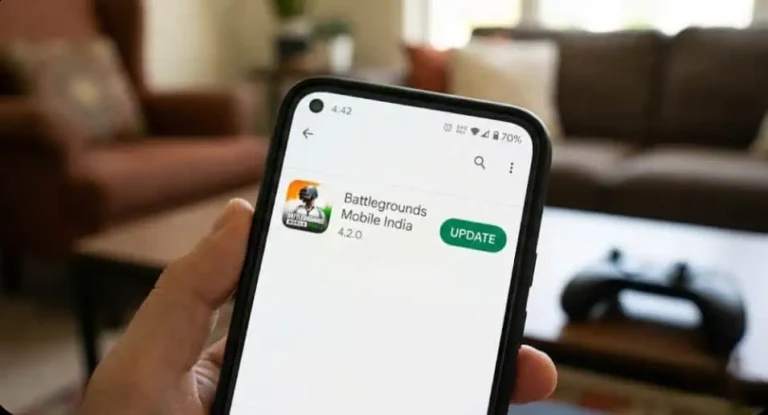
How to Download/Update BGMI from Google Play
- Open the Google Play Store.
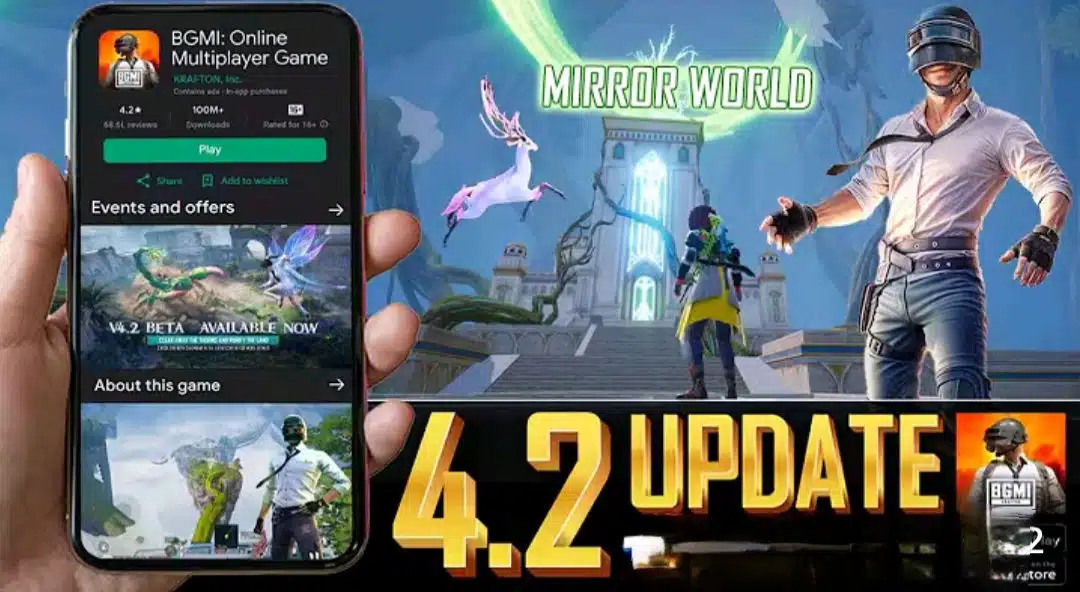
- Search for “BGMI” or “Battlegrounds Mobile India”.
- Confirm the publisher is KRAFTON, Inc.
- Tap Install or Update.
- Wait for the download and installation to finish.
- Open BGMI, and let it download any extra in‑game files it needs.
No unknown sources. No random APK sites. No extra risk.
If BGMI appears normally in your Play Store and lets you install or update, you don’t need anything beyond this.
Method 2: BGMI APK Download (For Special Cases Only)
Sometimes, though, the Play Store doesn’t cooperate to work:
- The update hasn’t rolled out to your device yet
2. BGMI doesn’t show in the Play Store for your account or region
3. The Play Store is glitching
That’s when players turn to the APK method. If you’re going to do this, do it properly.
Step 1: Pick a Safe Source
Keep this simple:
- Prefer official BGMI or Krafton links or verified sources.
- Avoid sites advertising:
- “BGMI hack APK.”
- “Unlimited UC”
- “No recoil/aimbot”
- “No ban guaranteed.”
Those pages are not trying to help you. They’re trying to use your device and account.
Step 2: Allow APK Installs (Unknown Sources)
Android blocks APK installs by default. To allow them for your browser or file manager:
- Go to Settings on your phone.
- Open Apps (or Apps & notifications).
- Find your browser or file manager app.
- Tap Install unknown apps.
- Turn on Allow from this source.
The menu names vary slightly by brand, but the idea is the same.
Step 3: Install the BGMI APK
- Open your File Manager.
- Go to the Downloads folder.
- Tap the BGMI APK file.
- Tap Install and wait until it completes.
Do not uninstall your existing BGMI app first. Install the new APK on top of it so your account data stays connected.
Step 4: Download In‑Game Resources
When you open BGMI after installing the APK, it will:
- Check for required resource packs
- Ask to download maps, modes, and graphics assets
Use Wi‑Fi if you can; these files are often larger than the APK itself.
Step 5: Log In as Usual
Log in with the same account you always use:
- Google Play Games
- Twitter/X
- Or Guest (risky if you ever uninstall the game)
If your progress, skins, and UC all appear correctly, you’re good.
What’s New in the Latest BGMI Updates?
Every update page says roughly the same thing: more stability, better performance, new content.
In reality, most BGMI updates focus on:
- Performance: small FPS and stability improvements, especially on mid‑range phones
- Balance: minor changes to weapons and some items
- Maps: visual tweaks, minor layout changes, or new zones
- Security: anti‑cheat improvements and faster bans
- Royale Pass: a fresh season with new outfits, gun skins, and emotes
If you want specifics for a particular version, read the:
- In‑game patch notes (shown after updating)
- Announcements / Notices inside BGMI
It takes a minute, but it tells you exactly what actually changed for that update.
Is It Safe to Download BGMI APK?
The honest answer:
- From official or genuinely trusted sources: usually safe.
- From random “hack/mod” sites: not safe at all.
Here’s what you risk with modified or hacked APKs:
- Permanent account bans
- Malware or spyware on your phone
- Crashes, weird bugs, and lost progress
If your BGMI account has any value to you at all times, skins, UC, it’s not worth testing cheats or modded APKs on your main device or main account.
Use APK as a practical workaround, not as a shortcut to “pro” gameplay.
BGMI System Requirements: Can Your Phone Handle It?
Instead of just dropping spec tables, let’s look at what actually works in real life.
Minimum (It Runs, But Barely)
- RAM: 2 GB
- Chip: Snapdragon 450 class or similar
- Storage: around 3 GB free at minimum
- Android: version 5.1 or higher
On this kind of setup, expect:
- Smooth graphics only
- Lower FPS
- Lag in hot drops and intense fights
Recommended (Playable Comfortably)
- RAM: 4 to 8 GB
- Chip: Snapdragon 720G or better (or equivalent)
- Storage: 6-8 GB free (BGMI + updates + other apps)
- Android: 10 or newer
Here, you can usually push:
- Smooth graphics with High/Extreme FPS, or
- Balanced/HD with stable performance, depending on the device
If your matches feel like a slideshow, your settings are too high for your hardware—or your phone is overloaded and needs cleanup.
How to Update BGMI Without Losing Your Data
A lot of players worry that updating might wipe their progress. Done correctly, it won’t.
Updating from the Play Store
- Open the Google Play Store.
- Search for “BGMI”.
- Tap Update.
- After it completes, open BGMI and log in with the same account.
Nothing else is required.
Updating via APK
- Download the latest official BGMI APK.
- Install it over your current BGMI app (don’t uninstall).
- Open the game and log in as usual.
Two important points:
- Make sure your BGMI progress is linked to Facebook / Google / Twitter/X.
- Avoid relying only on Guest login if you frequently uninstall or switch devices.
Common BGMI Download and Install Problems (And Fixes)
You’re not the only one dealing with these. Here’s how to handle a few of the most frequent issues.
1. BGMI Won’t Install
Common reasons:
- Not enough storage
- Corrupted or incomplete APK
- Very old Android version
What usually helps:
- Free up at least 3–4 GB (delete big videos, unused apps, old downloads)
- Delete the old APK and download it fresh from a better source
- Check Android version in Settings → About phone (aim for 5.1+; newer is better)
2. Download Stuck at 99%
If your BGMI or Play Store download hangs at around 99%, it’s usually because of a network issue or Play Store cache problem
Try this method
- Switching from weak mobile data to a more stable Wi‑Fi connection
- Keeping the screen on and not multitasking during the last part of the download
- Clearing Play Store cache.
3. BGMI Crashes After Opening
If BGMI opens and then quickly closes back to your home screen:
- Clear BGMI cache:
- Settings → Apps → BGMI → Storage → Clear cache
- Once you get in, lower your graphics settings and restart
- If nothing works, Clear data, then log back in with your linked account
Make sure you actually have your account linked before clearing data.
FAQs: BGMI Download & Updates
Is BGMI available on the Play Store right now?
Yes, if you’re in India, you should see “Battlegrounds Mobile India” by KRAFTON, Inc. in the Google Play Store.
Do I really need an APK file?
Not if the Play Store works for you. The APK method is mainly for special cases, not everyday updates.
Will I get banned for using modded APKs or cheats?
Yes, there are many chances to get banned. If you care about your main account, don’t touch cheats or “no ban” mods.
BGMI is lagging a lot. Any quick fixes?
Close background apps, switch graphics to Smooth, drop FPS by one level, and use a more stable network (good Wi‑Fi usually beats spotty mobile data).
Final Thoughts: Keep It Simple, Keep It Safe
You don’t need ten tools and five mirror sites to keep BGMI updated.
For most players, the path is straightforward:
- Use the Google Play Store whenever you can.
- Keep the APK method as a backup when the Play Store doesn’t cooperate.
- Stay away from “mod” and “hack” APKs if you value your account and your phone.
If you treat your BGMI account like something that’s worth protecting, your decisions about where and how to download it become much easier.